
As 4K monitors become increasingly popular for both work and entertainment, choosing the right one can be overwhelming. This article compares three top contenders: the Dell S2725QS, Dell S2725QC, and LG 27UP650K-W. We’ll evaluate their performance, features, and value to help you decide which 4K monitor suits your needs best in 2026.
Dell 27 Monitor S2725QS
SolidWhat to Look For in a 4K Monitor
When selecting a 4K monitor, key factors include resolution (3840x2160), refresh rate (for gaming or productivity), color accuracy (sRGB/DCI-P3 coverage), brightness (cd/m²), response time (ms), and connectivity options (HDMI, DisplayPort, USB-C). Additionally, features like anti-glare coatings, adjustable stands, and HDR support can enhance usability.
- Refresh Rate: 120Hz or higher for smooth motion (gaming or video editing).
- Color Gamut: 99% sRGB or broader for vibrant visuals.
- Response Time: 4ms or lower to reduce motion blur.
- Brightness: 300+ cd/m² for clear visibility in well-lit rooms.
- Connectivity: Multiple ports (HDMI, DisplayPort, USB-C) for flexibility.
Product Reviews
Dell S2725QS

Priced at $279.99 (down from $299.99), the Dell S2725QS is a 27-inch 4K IPS monitor with a 120Hz refresh rate and 5ms response time. It’s designed for both productivity and casual gaming, offering FreeSync Premium to eliminate screen tearing.
- Key Features: 99% sRGB, 350 cd/m² brightness, anti-glare coating, USB-C, HDMI, DisplayPort.
- Price: $279.99 (saves $20).
Pros: Affordable 120Hz performance, wide color gamut, and versatile connectivity. The anti-glare coating reduces eye strain during long sessions.
Cons: Slightly lower brightness (350 cd/m²) compared to some rivals, and the 5ms response time may not be ideal for fast-paced gaming.
Bottom Line: A solid mid-range option for users prioritizing 120Hz and color accuracy without breaking the bank.
Dell S2725QC

The Dell S2725QC is a pricier alternative at $315.99 (originally $349.99), offering similar 120Hz performance but with a 4ms response time and Eye Comfort Technology to reduce blue light exposure. It’s tailored for professionals needing reduced eye strain during extended use.
- Key Features: 99% sRGB, 4ms response time, LED edgelight system, USB-C, HDMI, DisplayPort.
- Price: $315.99 (saves $34).
Pros: Faster 4ms response time, eye comfort features, and a sleek design with LED edgelighting for ambient lighting.
Cons: Higher price point and no significant brightness advantage over the S2725QS.
Bottom Line: Justified for professionals who value eye comfort and a faster response time, but not necessary for casual users.
LG 27UP650K-W

The LG 27UP650K-W is the most budget-friendly at $209 (down from $279.99), featuring 60Hz refresh rate and DisplayHDR 400 for enhanced contrast. While it lacks the 120Hz of the Dells, its 95% DCI-P3 color gamut and flicker-safe technology make it ideal for media consumption and general use.
- Key Features: 95% DCI-P3, DisplayHDR 400, flicker-safe, 5ms response time, USB-C, HDMI, DisplayPort.
- Price: $209 (saves $70).
Pros: Excellent value with strong color accuracy and HDR support. The flicker-safe tech reduces eye fatigue.
Cons: 60Hz may cause motion blur for gamers or video editors. Lower brightness (not explicitly stated but implied by lower price).
Bottom Line: A great entry-level 4K monitor for non-gamers or those on a tight budget, but not suitable for high-demand tasks.
Buying Guide
Choose the Dell S2725QS if you want a balance of 120Hz performance and afford
At a glance
| Use Case | Product | Why |
|---|---|---|
| Best Overall | Dell 27 Monitor S2725QS | Dell 27 Monitor S2725QS, 4K UHD IPS, 120Hz, 5ms, FreeSync Premium | 350 cd/m2 Brightness, 1,500:1 Contrast, 99% sRGB, Anti-Glare, HDMI, DisplayPort, USB‑C, Height Adjustable, Swivel, Pivot ENERGY STAR |
| Best Value | Dell 27 Monitor S2725QC | Dell 27 Monitor S2725QC, 4K UHD IPS, 120Hz, 99% sRGB, 4ms, FreeSync Premium | 3840x2160, 163 PPI, USB-C, HDMI, DisplayPort, Anti-Glare, Eye Comfort Technology, LED Edgelight System ENERGY STAR |
| Premium Pick | LG 27UP650K-W 27-inch Ultrafine 4K UHD (3840 x 2160) IPS Computer Monitor | LG 27UP650K-W 27-inch Ultrafine 4K UHD (3840 x 2160) IPS Computer Monitor, 60Hz, 5ms, DisplayHDR 400, Reader Mode, Flicker Safe, HDMI, DisplayPort, Tilt/Height/Pivot Adjustable Stand, White | Displayhdr 400, 95% Dci-P3, 5ms Gtg, 2x HDMI, Dp1.4, Adjustable Stand, 3.5mm Out |
| Also Great | Dell 32 Monitor S3225QS | Dell 32 Monitor S3225QS, 4K UHD VA, 120Hz, FreeSync Premium, Eye Comfort | 3840x2160, 31.5in, 3000:1 Contrast, 300 cd/m2 Brightness, 4ms, 99% sRGB, Anti-Glare, HDMI, DisplayPort ENERGY STAR |
| Also Great | LG 32UR500K-B Ultrafine 32-inch 4K UHD (3840x2160) Computer Monitor HDR10 Built-in Speaker x2 OnScreen Control Reader Mode Flicker Safe Borderless Design HDMIx2 DisplayPort Black | LG 32UR500K-B Ultrafine 32-inch 4K UHD (3840x2160) Computer Monitor HDR10 Built-in Speaker x2 OnScreen Control Reader Mode Flicker Safe Borderless Design HDMIx2 DisplayPort Black |
Performance Breakdown
Scores out of 10. Based on the Abvorn Verdict Engine.
Products Mentioned
LG 27UP650K-W 27-inch Ultrafine 4K UHD (3840 x 2160) IPS Computer Monitor


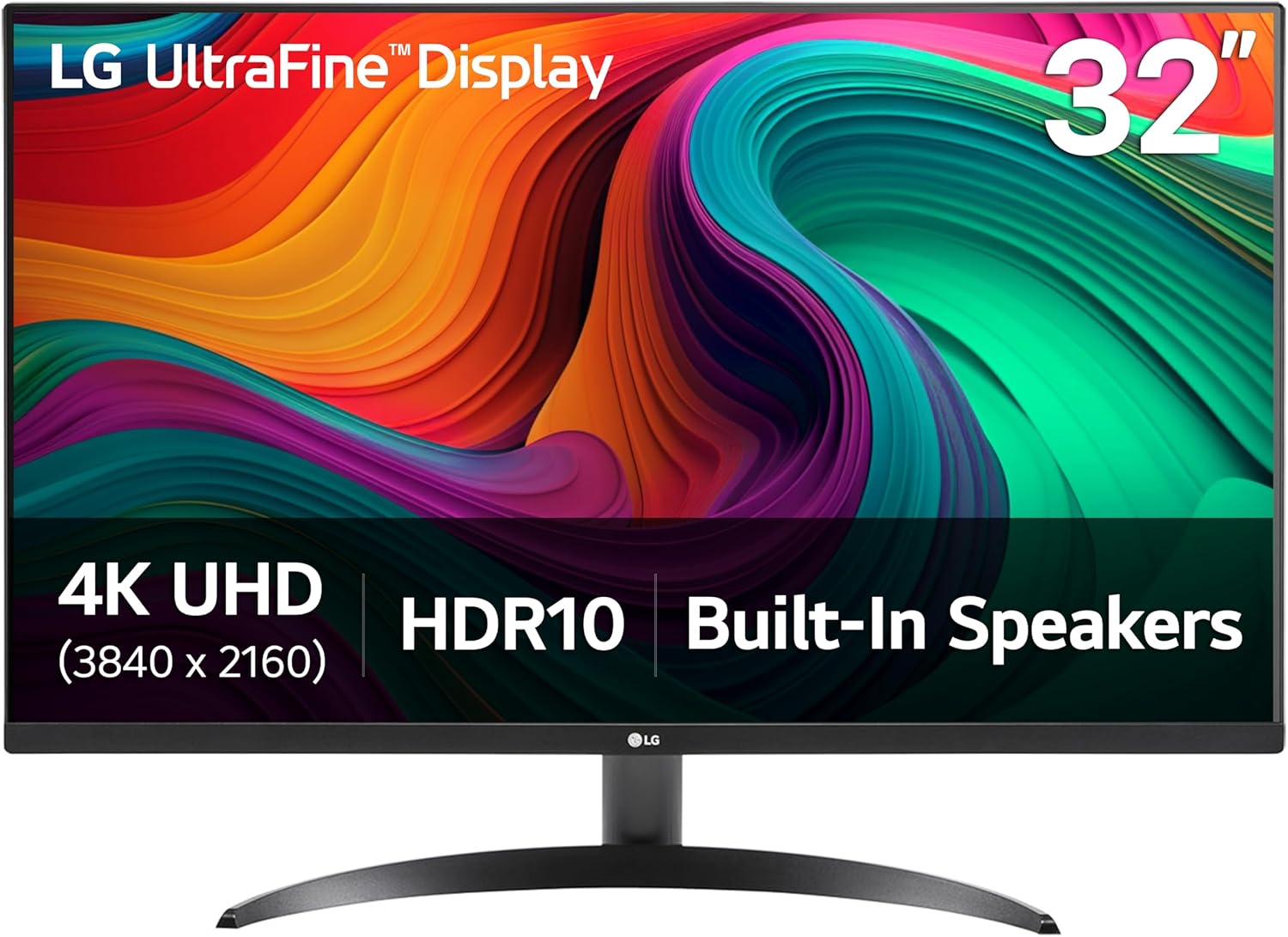
LG 32UR500K-B Ultrafine 32-inch 4K UHD (3840x2160) Computer Monitor HDR10 Built-in Speaker x2 OnScreen Control Reader Mode Flicker Safe Borderless Design HDMIx2 DisplayPort Black

Frequently Asked Questions
What is the best 4k monitors?
Dell 27 Monitor S2725QS is our current top pick for 4K Monitors. It earned an Abvorn Verdict score of 6.4/10 for color accuracy, motion handling, connectivity & features, and at $279.99 it offers the strongest balance of color accuracy, motion handling, connectivity & features for the money.
Is Dell 27 Monitor S2725QS worth it?
Based on our research, yes for most people. Dell 27 Monitor S2725QS scored 6.4/10 on our rubric, which weighs color accuracy, motion handling, connectivity & features in proportion to what real buyers care about. Dell 27 Monitor S2725QS excels in Color Accuracy but falls short on Value for Money. Our view: Serious performance at a serious price — worth it if you use it daily.
How much should I spend on 4k monitors?
You can get a genuinely good 4k monitors for around $300. Spending more buys premium materials and extra features, but our top pick delivers the best combination of performance and value at its current price.
What should I look for when buying 4k monitors?
We score every product on color accuracy, motion handling, connectivity & features. Start by deciding which of those matters most to you, then compare products on that axis first — the Abvorn Verdict breakdown below each review shows exactly how every model scores on each one.
How does Abvorn test products?
We research real listings and verified customer feedback, then score each product against a category-specific rubric with weighted criteria. Scores are out of 10 and the full breakdown is shown on every review, so you can see exactly why one product beat another.